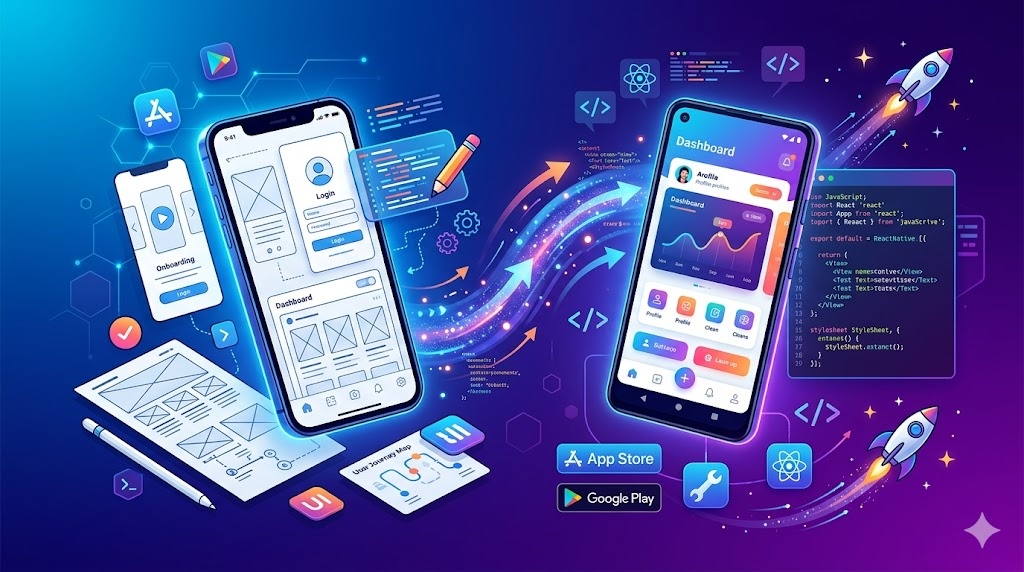
Mobile App Launch Kit
A focused plugin for teams shipping mobile apps from UX decisions to implementation. It bundles mobile design principles, cross-platform build guidance, and React Native delivery patterns into one practical workflow.
Install
Run this command to install all skills in this plugin:
npx skillstore add @mobile-app-launch-kit Skills will be installed to .claude/skills/ directory
Overview
Usage Guide
Enhanced by AIDetailed Guide
## Overview
Mobile App Launch Kit helps teams ship mobile apps end-to-end — from mobile-first UX decisions to React Native delivery. It bundles three approved skills covering design doctrine, cross-platform development, and React Native/Expo workflows so you can go from wireframe to buildable app inside one plugin.

## Quick Start
1. Install the plugin in your OpenClaw workspace (`/plugin install mobile-app-launch-kit`).
2. Start with `mobile-design` to lock down touch interaction, platform conventions, and performance decisions before you write code.
3. Hand the spec to `Mobile Developer` for React Native / Flutter / native architecture, then use `react-native-mobile-development` for Expo project setup, dev workflows, and platform-specific delivery.

## Key Commands
- `mobile-design` — Apply mobile-first UX doctrine: touch targets, offline behavior, iOS/Android platform conventions, and performance trade-offs.
- `Mobile Developer` — Implement React Native, Flutter, or native apps using modern architecture patterns.
- `react-native-mobile-development` — Scaffold, configure, and run React Native/Expo apps with platform-specific guidance for iOS and Android.

## Tips
- Run `mobile-design` first on any new screen so later implementation in `Mobile Developer` and `react-native-mobile-development` inherits a clean interaction model instead of retrofitting UX after the build.
- Pair this plugin with your CI/CD plugin to automate TestFlight / Play Store delivery once the React Native build is green.
- Treat `react-native-mobile-development` as the source of truth for Expo setup details; don't duplicate config steps in prompts.
Skills
3mobile-design
Safe 72Mobile-first design and engineering doctrine for iOS and Android apps. Covers touch interaction, performance, platform conventions, offline behavior, and mobile-specific decision-making. Teaches pr...
Mobile Developer
Safe 68Develop React Native, Flutter, or native mobile apps with modern architecture patterns
react-native-mobile-development
Safe 70Build and manage React Native/Expo mobile apps including project setup, development workflows, and platform-specific guidance. Use when working on mobile app development, configuration, or running apps.
Similar Plugins
iOS SwiftUI Toolkit
Build production-ready SwiftUI apps with UI patterns, performance diagnostics, and view refactoring best practices — three essential skills for iOS developers.
3 skills

Frontend UI Mastery
Build production-grade frontend interfaces with accessibility, reusable components, and responsive design. Covers WCAG compliance, component architecture, and mobile-first layouts.
3 skills
Docker Container Toolkit
Docker containerization end-to-end — audit Dockerfiles, orchestrate multi-service builds, and deploy to Kubernetes. One toolkit for your container workflow.
3 skills