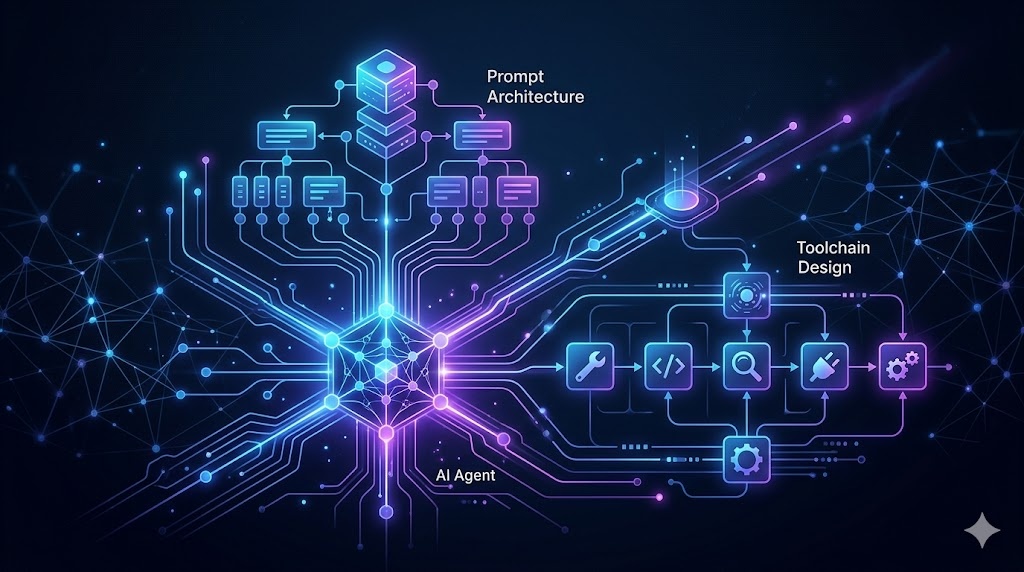
Agent Engineering Starter Kit
Build better AI agents with a practical toolkit for prompt structure, context efficiency, and tool design. This plugin helps builders ship more capable agents with clearer architecture and lower token waste.
Install
Run this command to install all skills in this plugin:
npx skillstore add @agent-engineering-starter-kit Skills will be installed to .claude/skills/ directory
Overview
Usage Guide
Enhanced by AIDetailed Guide
## Overview
Agent Engineering Starter Kit gives builders three focused skills to ship more capable, efficient AI agents: context-optimization to reduce token waste, tool-design to build clean agent APIs, and prompt-engineering to write prompts that actually work.

## Quick Start
1. Install the plugin in your OpenClaw workspace: `npx skillstore add @agent-engineering-starter-kit`
2. Use **context-optimization** to audit your agent's memory layout — reduce token costs by partitioning context, applying KV-cache optimization, and setting context budgets before your first deployment.
3. Use **tool-design** to consolidate and simplify tool interfaces your agent exposes — apply architectural reduction principles so agents call tools safely and consistently.

## Key Commands
- `optimize context` — triggers context-optimization: improves context efficiency, masks irrelevant observations, extends effective context capacity
- `design tool` / `consolidate tools` — triggers tool-design: architects clean tool APIs with fewer sharp edges
- `prompt engineering` / `better prompts` — triggers prompt-engineering: applies chain-of-thought, few-shot, and system prompt techniques for Claude, GPT-4, Gemini and other models

## Tips
- Start with **prompt-engineering** to nail your system prompt, then apply **context-optimization** to trim what the agent actually needs to remember — together they cut token costs while keeping accuracy.
- Pair **tool-design** with context-optimization when your agent uses many tools: consolidating tool surface area is one of the fastest ways to reduce context pressure.
- Use all three skills in sequence when onboarding a new agent project: prompt structure → context budget → tool API design.
Skills
3context-optimization
Safe 76This skill should be used when the user asks to "optimize context", "reduce token costs", "improve context efficiency", "implement KV-cache optimization", "partition context", or mentions context limits, observation masking, context budgeting, or extending effective context capacity.
tool-design
Safe 70Design effective tool APIs for AI agents using consolidation principles and architectural reduction
prompt-engineering
Safe 70Master prompt engineering for AI models: LLMs, image generators, video models. Techniques: chain-of-thought, few-shot, system prompts, negative prompts. Models: Claude, GPT-4, Gemini, FLUX, Veo, Stable Diffusion prompting. Use for: better AI outputs, consistent results, complex tasks, optimization. Triggers: prompt engineering, how to prompt, better prompts, prompt tips, prompting guide, llm prompting, image prompt, ai prompting, prompt optimization, prompt template, prompt structure, effective prompts, prompt techniques
Similar Plugins

Agent Swarm Studio
Plan and coordinate multi-agent systems with clear roles, parallel execution, and convergence checks.
3 skills

Frontend UI Mastery
Build production-grade frontend interfaces with accessibility, reusable components, and responsive design. Covers WCAG compliance, component architecture, and mobile-first layouts.
3 skills

Docker Container Toolkit
Docker containerization end-to-end — audit Dockerfiles, orchestrate multi-service builds, and deploy to Kubernetes. One toolkit for your container workflow.
3 skills