精選
Notion 知識管理員
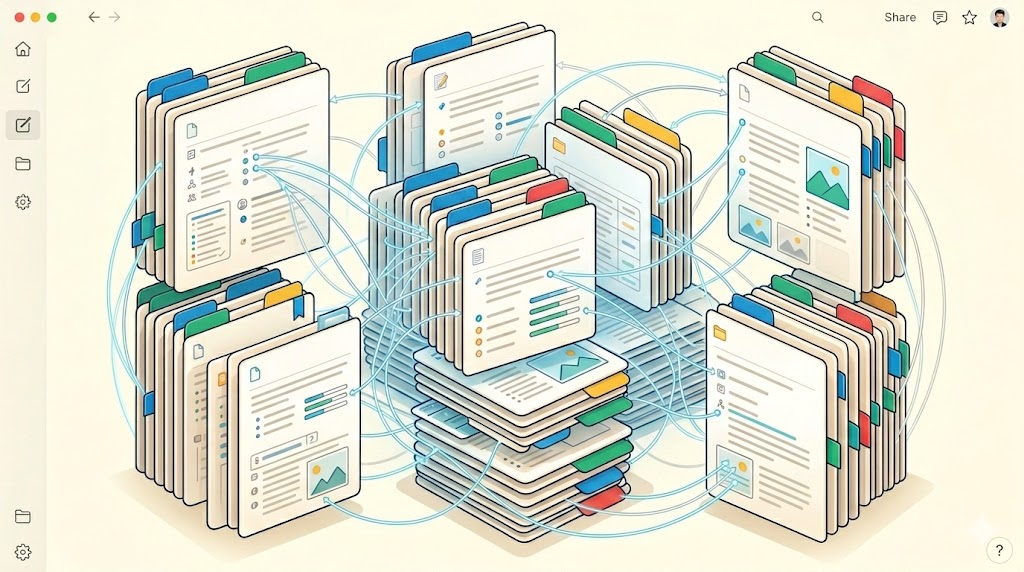
同步、搜尋並管理您的 Notion 工作區:擷取筆記、組織知識庫,並自動化頁面工作流程。
3 技能 34 安裝次數
notionknowledgeproductivitynoteswiki
7 天前更新
安裝
執行此指令以安裝此技能包中的所有技能:
npx skillstore add @notion-knowledge-manager CLI 會自動偵測 Codex 與 Claude Code 資料夾;如果兩者都可用,會同時安裝。
總覽
使用指南
由 AI 強化詳細指南
## 適用對象

使用 Notion 作為第二大腦的知識工作者和團隊。此外掛讓您能夠搜尋 Notion 工作區、將會議筆記或聊天對話擷取為結構化頁面,並自動化重複性的 Notion 任務 — 所有操作都無需離開聊天介面。

## 3 步驟快速入門

1. **找到所需內容** — 詢問:`"Use notion-api to search my Notion workspace for pages about Q1 OKRs"`。技能會在頁面和資料庫中搜尋,並回傳包含連結的符合結果。
2. **將對話儲存為 Notion 頁面** — 詢問:`"Use notion-knowledge-capture to save this meeting summary as a Notion page in my 'Meeting Notes' database"`。技能會將文字轉換為具有適當格式化的結構化 Notion 頁面。
3. **自動化批次更新** — 詢問:`"Use notion-automation to add a 'Status: Done' property to all pages in my Tasks database where Due Date is before today"`。技能使用 Notion MCP 來批次更新記錄。

## 步驟 → 技能 → 輸入 → 輸出

| 步驟 | 技能 | 您提供的内容 | 您獲得的内容 |
|------|-------|------------------|--------------|
| 搜尋 | notion-api | 搜尋關鍵字或問題 | 包含標題和連結的符合頁面 |
| 擷取筆記 | notion-knowledge-capture | 原始文字 / 對話 / 筆記 | 結構化 Notion 頁面(已建立) |
| 自動化 | notion-automation | 目標資料庫 + 更新規則 | 已更新記錄的確認 |

## 常見問題與修正

- **notion-api 回傳 0 個結果** → 確認 Notion 整合已新增至工作區。在 Notion 中:Settings → Integrations → Connect your integration.
- **notion-knowledge-capture 建立空白頁面** → 提供您想要擷取的完整文字,不僅僅是標題。內容越完整,結構越清晰。
- **notion-automation 失敗並顯示 "property not found"** → Notion 中的屬性名稱區分大小寫。從資料庫標題複製確切名稱。

## 成功標準

成功時您會看到:
- notion-api 回傳包含可點擊 Notion 連結的頁面清單
- notion-knowledge-capture 建立可直接在 Notion 中開啟的新頁面
- notion-automation 確認已更新的記錄數量
技能
3📦
notion-api
中風險 76管理 Notion 工作區內容
團隊經常需要在不切換工具的情況下取得工作區知識。此技能可讓 AI 助理透過已驗證的 API 指令碼搜尋、讀取、查詢及更新 Notion。
📈 效率 由 BLTGV ⚡🌐🔑
📦
notion-automation
中風險 73使用 Rube MCP 自動化 Notion 工作區
當工作橫跨頁面、資料庫、留言和內容區塊時,手動更新 Notion 會很耗時。此技能透過 Rube MCP,為 Claude、Codex 和 Claude Code 提供安全 Notion 自動化的結構化工作流程。
📈 效率 由 sickn33 🌐
📦
notion-knowledge-capture
中風險 76在 Notion 中擷取知識
當實用的決策與背景脈絡埋沒在聊天中,團隊就會失去這些資訊。這項技能會將對話與筆記轉換成結構化的 Notion 頁面,包含摘要、連結、負責人與資料庫欄位。
📈 效率 由 davila7 ⚙️🌐
類似技能包
情境
macOS 生產力工具包
透過 CLI 控制 Apple Notes、Reminders 和 Things 3 — 三款必備的 macOS 生產力應用程式,全程無需操作 GUI。從你的 AI agent 擷取筆記、管理可同步至 iOS 的提醒事項,並執行 GTD-style 專案管理。
0 技能

情境
Obsidian 知識管理器
將專案轉換為 Obsidian 知識庫,提供智能筆記、結構化視圖和自動化知識捕捉工作流程。
3 技能

精選
Office 文件建立工具
一套全方位的工具組,用於建立和編輯 Microsoft Office 文件 — Word (.docx)、Excel (.xlsx) 和 PowerPoint (.pptx) — 支援自動化作業與程式化生成。
3 技能